Plan Cable Routes Around a Robot Vacuum’s Cleaning Area
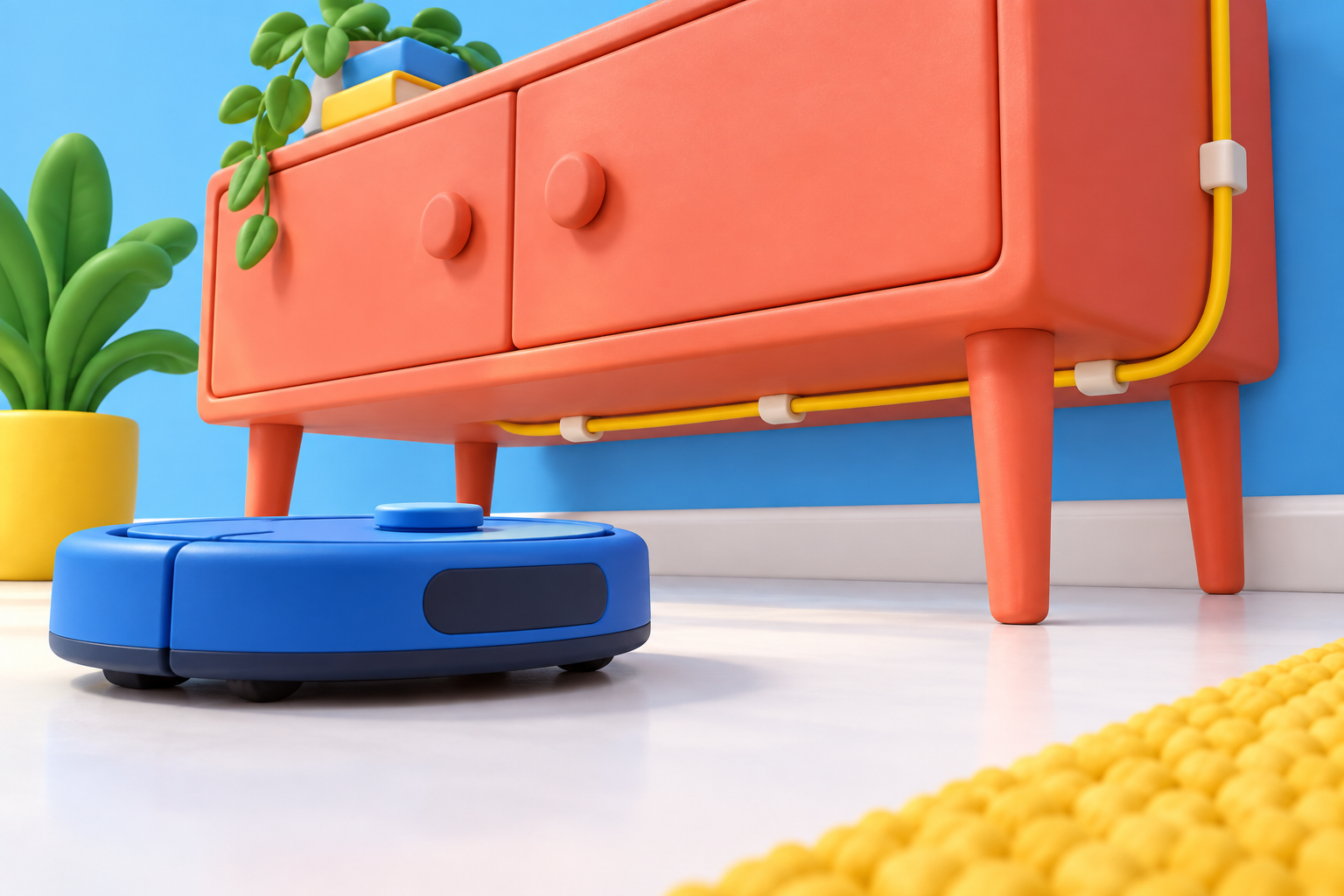
Promotional content featuring Refiner. This is a planning guide, not a hands-on product review. The AI-generated cover is a conceptual illustration, not a product photograph.
Loose cords complicate a floor-cleaning route. Before adding decorative organizers, look at the floor from the robot vacuum’s level and identify where charging leads or lamp cords hang into the area it travels through.
Start with the robot’s own setup instructions
Place the dock and its cable according to the manufacturer guidance. Do not change required spacing to make the corner look tighter, and do not assume another appliance’s clearance rules apply.
Next, inspect nearby furniture. A phone lead hanging from a console may reach the floor only when no phone is attached. Observe the room in that ordinary state, not just when everything is charging.
Remove loose routes from the cleaning area
Store unused leads. For necessary cords, evaluate a furniture position or suitable guide that keeps the route away from the cleaning path without pinching or straining it. Keep the device end of a charging cable retained at a reachable surface when it is not in use.
Do not rely on the vacuum detecting and avoiding every cord. Follow its preparation instructions and supervise the first run after changing the layout.
Address the outlet separately
If the visible wall connection remains untidy after the floor route is resolved, compare Refiner Cable Management Outlet Covers with Cord Hider Wall Plate, 1-Pack with the actual outlet arrangement. Check the listed compatibility and dimensions, particularly if the outlet is near the dock or a low cabinet.
An outlet cover is not a claim of robot-proofing. It does not establish that the rest of the cord route is outside the vacuum’s reach. Evaluate the entire path rather than only the wall endpoint.
Observe one ordinary cleaning cycle
With the room prepared as instructed, watch whether a loose device lead drops, furniture shifts, or an accessory interferes with the robot. Stop and revise the setup if needed according to the appliance guidance.
Once the route works, make returning charging leads to their holders part of the room reset. Consistent placement matters more than a one-time photograph of a clear floor.
Explore the Refiner option
Check the Refiner Cable Management Outlet Covers with Cord Hider Wall Plate, 1-Pack against your measurements and planned cable route. Confirm compatibility, included parts, and installation instructions on the listing before purchasing.
Check Refiner for the Wall Connection (Amazon)
Opens the Amazon product page in a new tab. Review the item there before adding it to your cart.