Printer Station Cable Management That Leaves Room for Paper Jams
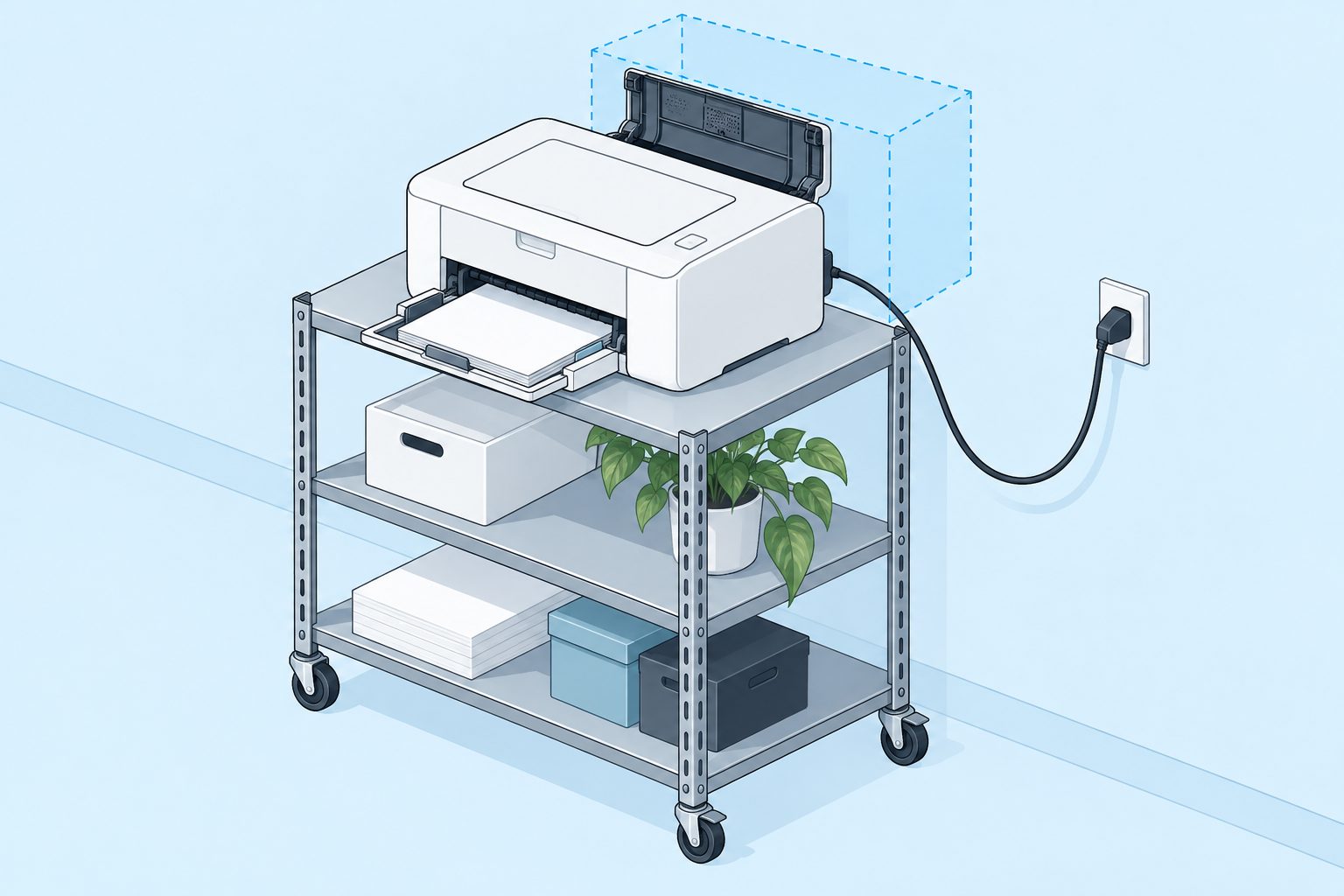
Promotional content featuring Refiner. This is a planning guide, not a hands-on product review. The AI-generated cover is a conceptual illustration, not a product photograph.
A printer cabinet can look organized until you need to open the rear panel. Then a tightly routed cord may prevent the printer from moving far enough to clear a paper jam. Plan for maintenance at the same time as everyday appearance.
Open every tray before routing
With the printer positioned according to its manufacturer instructions, open the paper tray, output support, and accessible service panels. Note which directions need free space. Use those movements to define where a cable route must not interfere.
Keep paper storage separate from the connection area. A stack of spare paper should not become the object that pushes a cable against a cabinet edge whenever the door closes.
Identify the connections you actually use
A printer might use a power lead plus a USB or network cable, depending on its setup. Trace the active connections instead of assuming every cable behind the cabinet is necessary. Label a data lead before moving it so it can return to the correct device.
Group only the stationary sections. Leave the service movement allowed by the equipment instructions available, and avoid pulling on connectors when shifting the printer. If the route cannot support necessary access, change the cabinet arrangement.
Assess the wall outlet independently
After sorting the printer end, inspect the wall connection from the normal room view. If it is exposed and distracting, compare the Refiner Cable Management Outlet Covers with Cord Hider Wall Plate, 1-Pack with your outlet and plug arrangement.
Use the listing’s compatibility information and dimensions. Do not presume that the product can conceal a printer’s adapter or excess cable. The cabinet route and the outlet cover have separate jobs, and both need to leave servicing practical.
Run a maintenance rehearsal
Load paper, open the relevant access panel, and return the printer to its usual position. Check that no cable is caught in a door and that the labels remain useful. Keep the model’s setup instructions nearby if its access requirements are easy to forget.
This small rehearsal is more informative than judging the finished corner from one photograph. A printer station is properly organized when routine printing and occasional maintenance both work without rebuilding the cable layout.
Explore the Refiner option
Check the Refiner Cable Management Outlet Covers with Cord Hider Wall Plate, 1-Pack against your measurements and planned cable route. Confirm compatibility, included parts, and installation instructions on the listing before purchasing.
See Refiner Outlet Cover Details (Amazon)
Opens the Amazon product page in a new tab. Review the item there before adding it to your cart.