How to Organize Cables Behind Your Entertainment Center
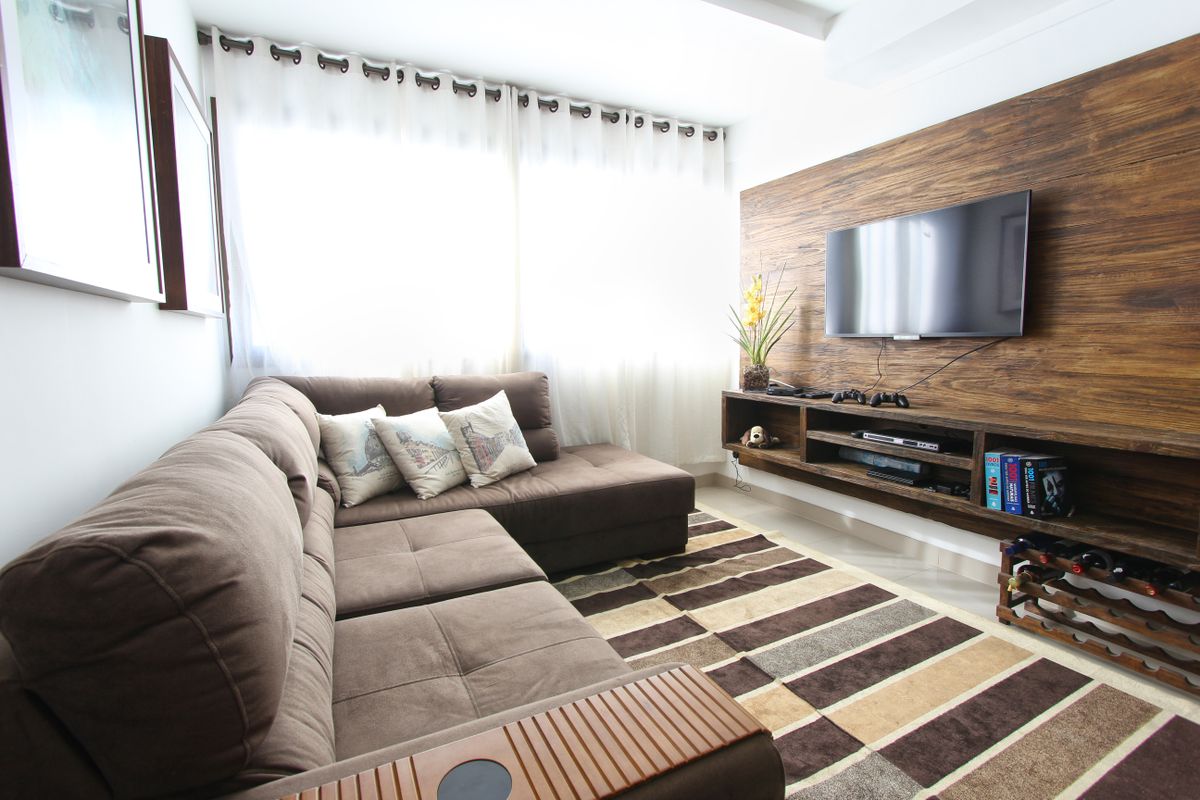
Photo by Pixabay, Pexels License
An entertainment center usually has the densest cable management problem in the house: a TV, a streaming box, a game console, maybe a soundbar or receiver, and a power strip trying to feed all of it. Here’s how to actually get it under control instead of just shoving it out of view.
Map Before You Touch Anything
Before you unplug a single cable, take a photo of the current setup from a few angles. Entertainment center wiring gets rearranged more than almost any other part of the house — new console, new soundbar — and a reference photo saves real time if something needs to be reconnected later.
Group by Device, Then by Destination
Bundle each device’s full cable run — power, HDMI, any auxiliary cable — together first, then route the bundles to a shared power strip and a shared HDMI switch or TV input bank. This keeps the tangle from becoming one undifferentiated mass that’s impossible to trace when something stops working.
Use the Furniture
If your entertainment center has a back panel, most have a cutout or knockout specifically for cable routing — use it instead of running cables around the outside edge, which is what creates the visible mess when you look at the unit from the side.
Handle the Wall-to-Furniture Gap
If your TV is wall-mounted above the entertainment center rather than sitting on it, the run from the TV down to the components creates a separate visible cord — this is exactly the situation a tv mount cable concealer channel is built for. Run it down the wall behind where the furniture sits, so the transition from wall to furniture is hidden by the unit itself.
Label the Power Strip
Once everything is plugged in, label each outlet on the power strip with what it powers. It sounds unnecessary until six months from now when you’re troubleshooting why the soundbar has no power and you’re staring at four identical black cables trying to guess which one to unplug.
Final Check
Step back and look at the unit from where you’d actually sit to watch TV — not from directly behind it. Cable management back there only matters as much as it’s visible from that angle, so don’t over-invest in hiding cords that are already out of sight once the unit is pushed back against the wall.