Nightstand Cable Management: Taming Lamp and Charger Cords
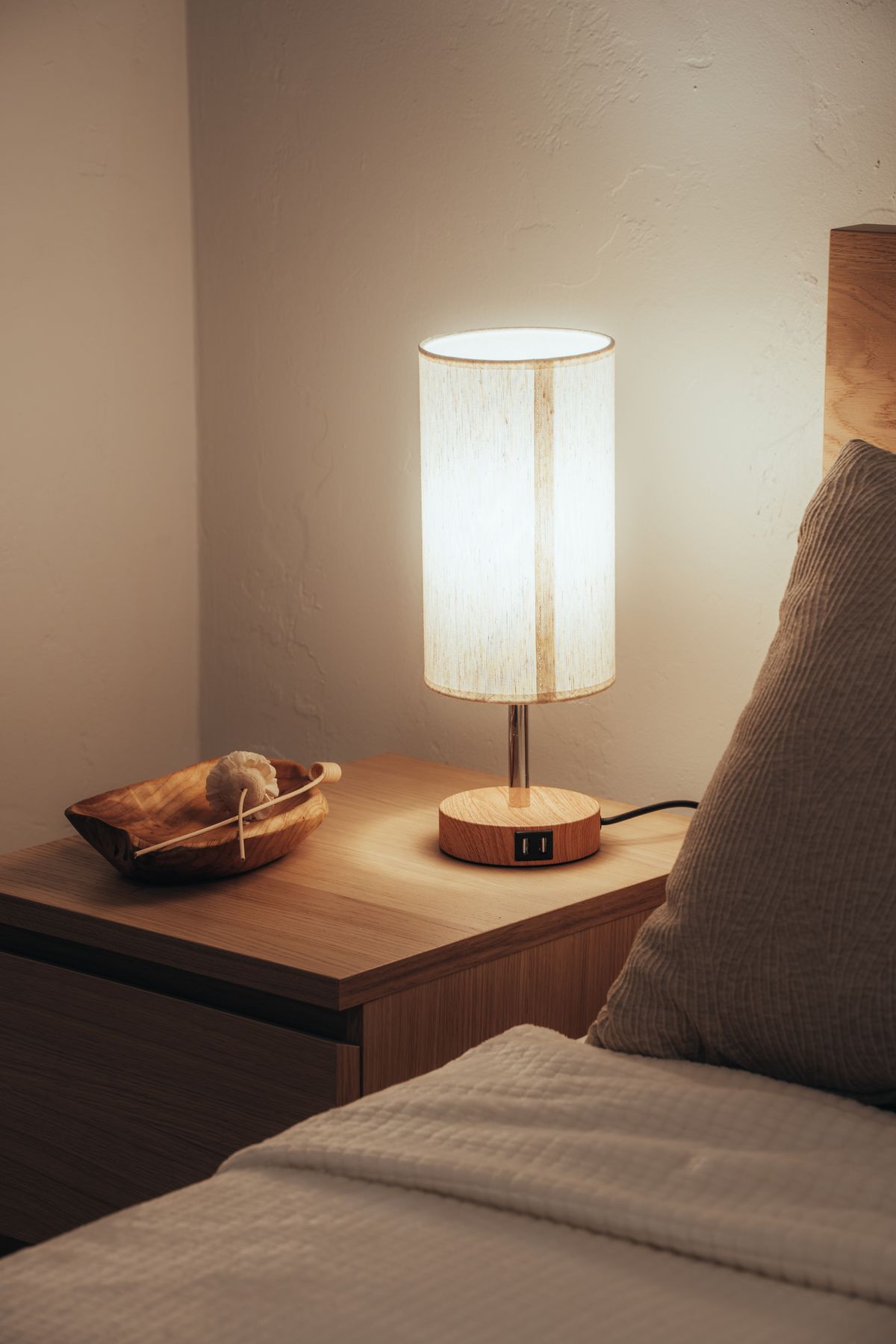
Photo by Osmany Mederos, Pexels License
A nightstand usually has the same cable problem as a desk, just shrunk down: a lamp, a phone charger, maybe a white-noise machine or humidifier, all sharing one nearby outlet. Because it’s the last thing you see before sleep and the first thing you see waking up, it’s worth getting right.
Identify What’s Actually Plugged In
Most nightstands are managing two to four cords: a lamp, a phone charger, and occasionally a second device. Before buying anything, confirm the count — it determines whether you need a small cord hider or something with more capacity.
Route Cords Behind, Not Around
If your nightstand has any open back or a gap against the wall, route cords through that gap rather than around the visible sides. A small adhesive clip on the inside back panel keeps cords from sliding to the front where they’re visible from the bed.
The Wall-to-Outlet Gap
If your nightstand sits away from the wall outlet, or the cord has to travel visibly along the wall to reach it, a short cord hider wall channel handles that run cleanly — it’s a small-scale version of the same product used behind a mounted TV, just shorter.
Fix the Outlet Itself
The outlet behind a nightstand is a near-perfect use case for a cable-management outlet cover: it’s low-profile, it’s usually the only cover in the room anyone will actually look at closely, and a lamp plus a charger is exactly the amount of slack cord these covers are designed to hold. It also happens to double as one of the more effective aesthetic desk accessories for a room where “desk” is really a small bedside surface.
Charging Without Adding a Cord
If your phone supports it, a wireless charging pad on the nightstand surface removes one cord from the equation entirely, leaving only the lamp cord to manage — worth considering before you solve a problem you could just remove.
The Bedtime Test
At night, in low light, reaching for your phone or turning off the lamp shouldn’t involve feeling around for a cord or knocking something over. If it currently does, that’s the sign your nightstand cable management needs the pass described above, not just a tidier-looking surface.