Home Theater Cable Management: A Step-by-Step Setup Guide
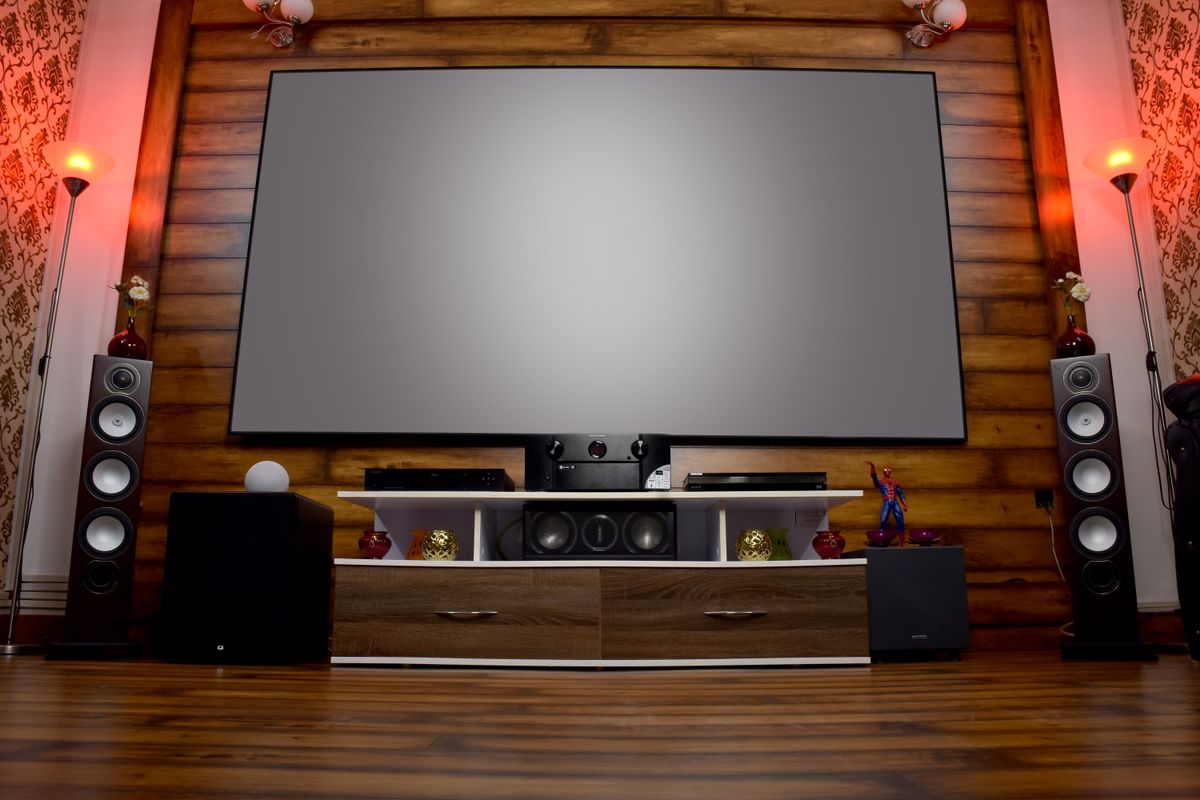
Photo by Avinash Kumar, Pexels License
A home theater setup has more cables than almost any other room in the house — a TV or projector, a receiver, a soundbar or full speaker set, a streaming device, maybe a game console — and no cable management plan means it grows messier every time a component gets added or swapped. Here’s a setup order that avoids that.
Step 1: Plan the Signal Chain First
Before running a single cable, sketch out how signal actually flows: source devices into the receiver, receiver out to the TV or projector, receiver out to speakers. Knowing this prevents the common mistake of cabling components in whatever order you unboxed them, which usually creates a longer, messier run than necessary.
Step 2: Route by Layer
Run power cables, HDMI/video cables, and speaker wire as separate bundles even if they’re heading the same direction — mixing them makes future troubleshooting much harder, since you can’t visually trace one signal type without disturbing the others.
Step 3: Handle the Wall-Mount Run
If the TV or projector is wall-mounted separately from the rest of the components, that run needs its own solution: a tv mount cable concealer channel down the wall, sized for however many cables actually need to make that trip (usually power plus one HDMI, sometimes an ethernet run for a smart TV).
Step 4: Contain the Component Cluster
Wherever the receiver, streaming box, and console live, use a vented cable box or the entertainment center’s built-in cable routing to contain that cluster as one unit, rather than letting each component’s cord aim for the same outlet independently.
Step 5: Finish at the Outlet
The outlet feeding all of this is doing more work than any other in the house — it’s worth a cable-management outlet cover here specifically because the volume of plugs and slack cord is higher than a typical desk or nightstand outlet.
Step 6: Label Before You Forget
With everything connected and working, label each cable at both ends. A home theater setup gets touched again — new console, replaced soundbar — more often than most rooms, and unlabeled cables turn a five-minute swap into an hour of tracing wires behind furniture.
Maintenance
Revisit the setup any time a component is added or removed, not just when it starts looking messy — cable management degrades in small steps, and catching it at each change is far less work than a full redo later.