The Ultimate Guide to Cable Management for Home Offices
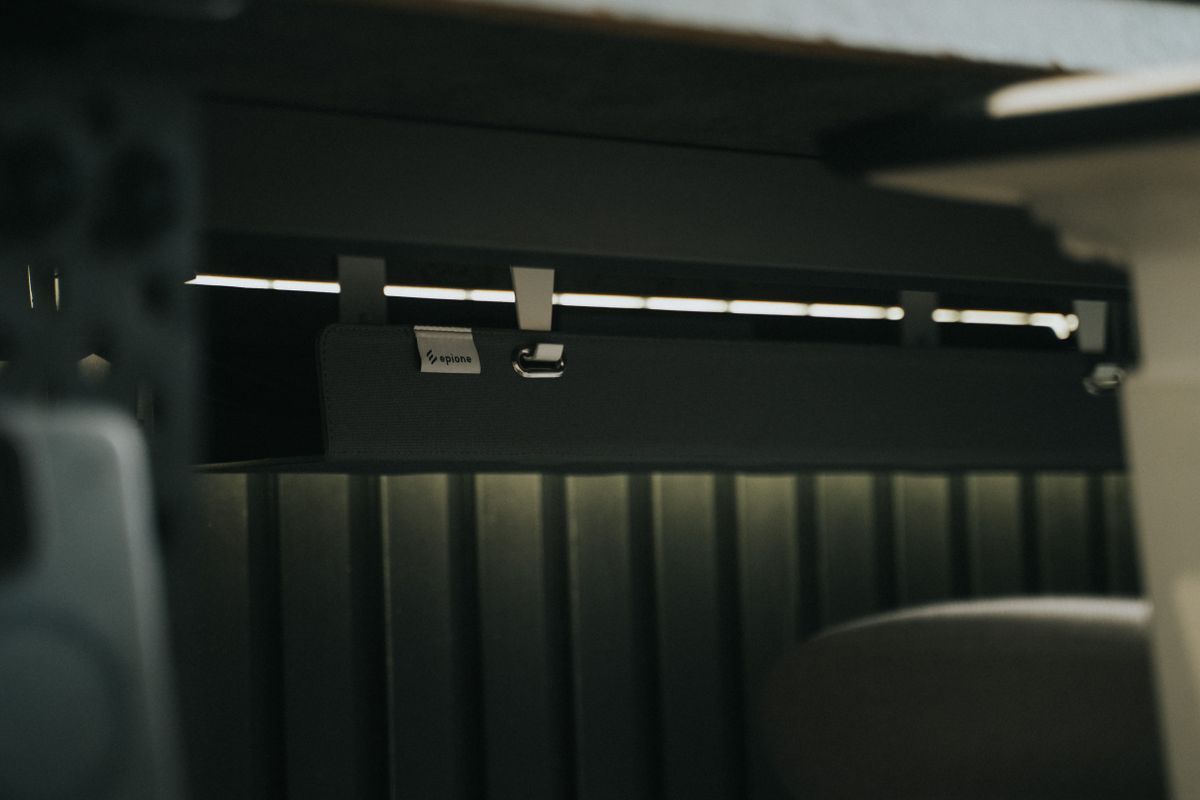
Photo by Minh Phuc, Pexels License
A messy desk usually isn’t about paperwork anymore — it’s cords. Monitor cables, a charger for every device, a power strip feeding a power strip. Good cable management isn’t about buying one magic product; it’s a system, and once it’s in place it takes almost no upkeep.
Start With an Audit
Before buying anything, unplug everything and look at what you actually have running to your desk. Most home offices are dealing with some combination of monitor power and video cables, a laptop charger, a phone charger, desk lamp power, and a router or dock. Knowing the real count tells you how much capacity you need — buying storage for 4 cables when you have 9 just means you’re back to clutter in a month.
Group by Destination, Not by Type
The most common cord management mistake is bundling cables by type (all power cables together, all data cables together) instead of by where they’re going. If your monitor and its power brick both route to the same power strip, bundle them together as one unit, not as two separate bundles that later need re-sorting.
Get Cords Off the Floor and Off the Desktop
Two zones do most of the visual damage: the floor under your desk, and the surface of the desk itself.
- Under the desk: A cable tray mounted to the underside of the desktop holds the power strip and slack cord above floor level, out of sight and out of the way of your feet.
- On the desktop: Adhesive clips or a cable spine keep charging cables from sliding off the back of the desk every time you unplug something.
Don’t Forget the Wall
If your setup includes a monitor arm or wall-mounted shelf, the cord run from the desk to the outlet is often the last visible mess. This is where a wall outlet cover with a built-in cable cavity is worth considering — it hides the plugs and slack right at the source instead of just routing cord along the wall with clips.
Keep It Maintainable
The system that survives is the one that’s easy to put back together after you unplug something to travel or troubleshoot. Label major cable ends, keep spares in one drawer, and resist the urge to add “just one more” adapter without re-checking your capacity. Cable management isn’t a one-time project — it’s a habit that a good initial setup makes much easier to keep.