Cable Management for Gaming Setups: Clean Up Your Desk
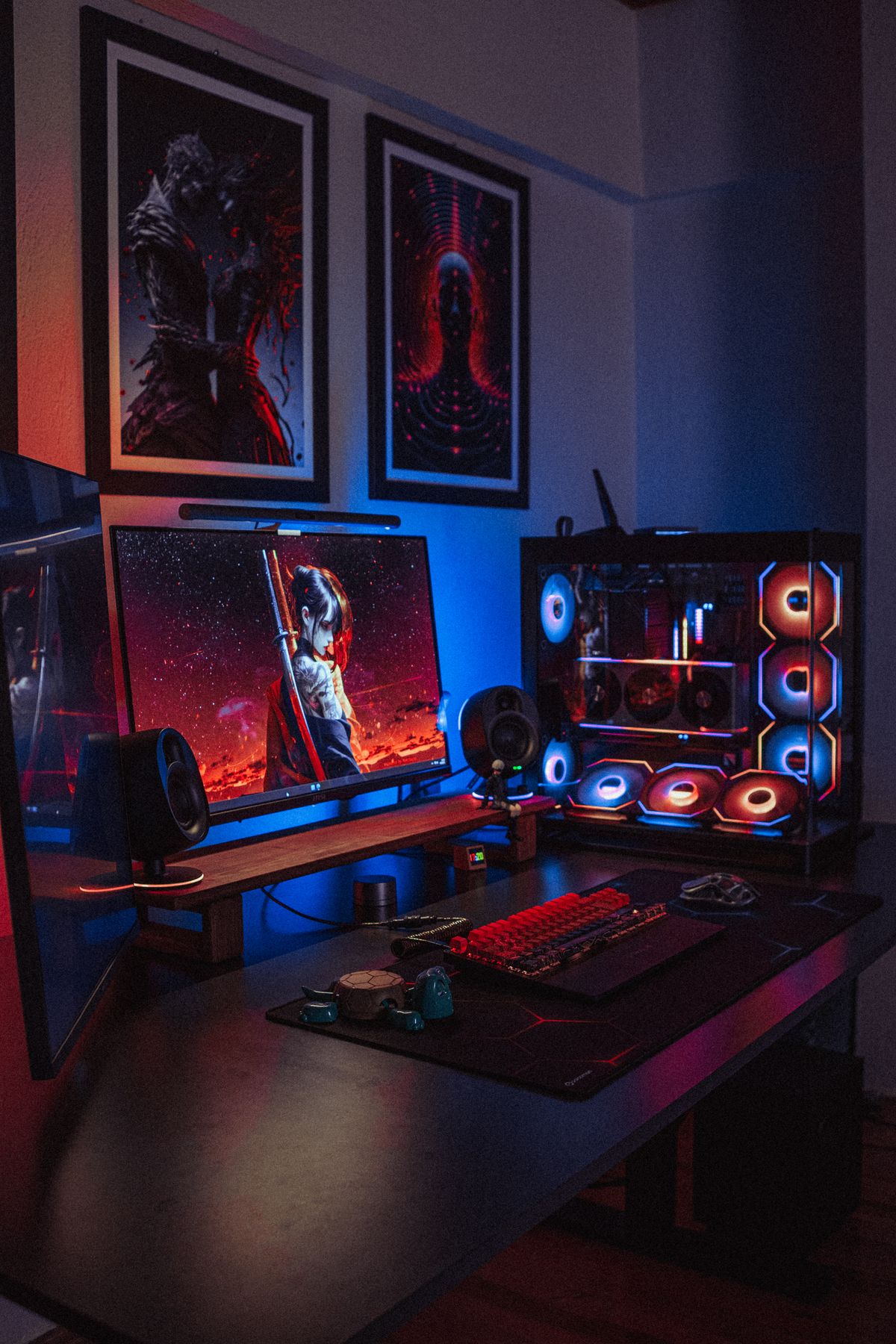
Photo by Atahan Demir, Pexels License
A gaming desk tends to accumulate more cables than almost any other setup — a PC or console, one or two monitors, a mechanical keyboard, a mouse (even wireless ones need a charging cable eventually), a headset stand, and often RGB lighting controllers on top of all of it. Here’s how to bring that under control without losing quick access to anything.
Start With the PC or Console
Most of the visual mess starts at the tower or console itself: monitor cables, power, USB peripherals, and often a wired headset or controller all converging in one spot. Bundle by destination — everything heading to the same monitor together, everything heading to a hub or motherboard together — rather than lumping all USB cables into one indiscriminate bundle.
Give Peripherals Defined Paths
Keyboard and mouse cables (if wired) get pulled and repositioned constantly during actual use, which makes rigid cable management the wrong approach for them specifically. A short, flexible cable clip near the front edge of the desk gives them a defined path without restricting the movement you need mid-game.
Monitor Arms Change the Equation
If your monitors are on arms rather than stands, most arms include a built-in cable channel along the pole — use it. It’s an easy detail to skip during initial setup and then wonder why cables are still visible despite an otherwise clean desk.
The Back of the Desk
This is where a vertical cable spine earns its keep on a gaming setup specifically, since the cable count going to the floor (PC power, monitor power, any external hub) is usually higher than on a typical desk. One consolidated spine down a single leg beats individual cables fanning out across the back panel.
Don’t Neglect the Outlet
With this many devices, the outlet behind a gaming desk often has more plugged into it than any other outlet in the house. A cable-management outlet cover with real cavity depth is worth prioritizing here over a purely decorative one — function matters more than style at this specific spot.
RGB and Aesthetics
If part of your setup is about the look — RGB lighting, a specific desk aesthetic — treat cable management as part of that aesthetic rather than a separate chore. Matching cable colors to your setup’s theme and choosing accessories in one consistent finish turns a functional fix into one of the setup’s actual design choices.