Cable Management for Standing Desks: What Changes When Your Desk Moves
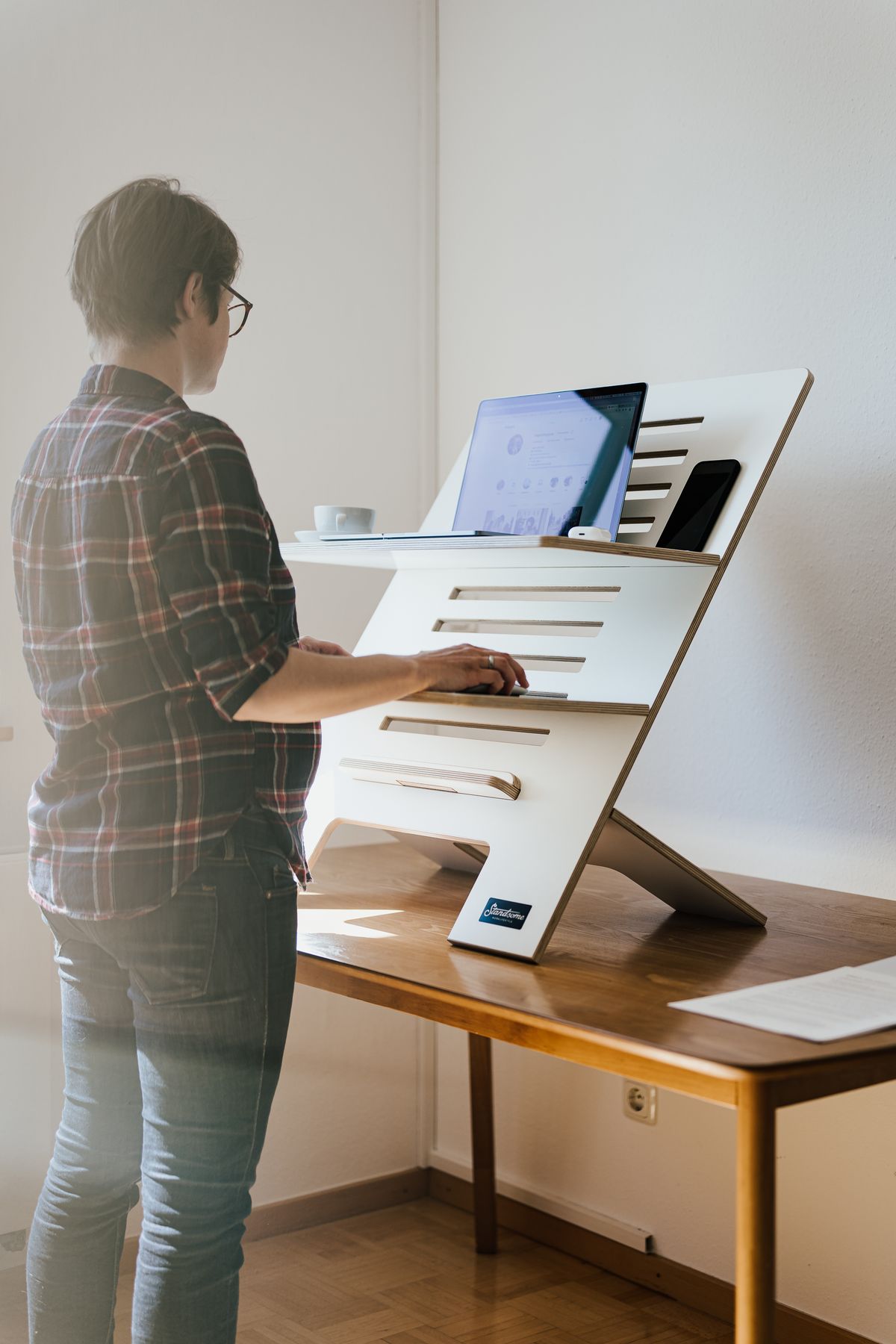
Photo by Standsome Worklifestyle, Pexels License
A standing desk breaks most fixed cable management setups, because the desk surface moves and the outlet on the wall doesn’t. A tray or clip that works fine at sitting height can go taut — or visibly sag — once the desk rises. A few things are worth planning around before you mount anything.
Build in a Slack Loop
Whatever cable management you install on the desk itself needs enough slack to cover the full range of motion, not just the height you use most. Measure the desk’s travel distance and add a loose loop of that length at the point where the cords leave the desk and head to the floor or wall.
Use a Cable Spine, Not a Fixed Clip
A flexible cable spine or vertical cord sleeve that stretches and compresses with the desk does the job a rigid clip can’t — clips fixed to a stationary point will either yank the cord taut at full height or bunch it up at the lowest setting.
Keep the Power Strip Off the Desk
Mounting the power strip to the underside of the desk means it travels with the desk, so only the run from strip to wall outlet needs slack — not every individual device cord. This is the single biggest simplification for a standing desk setup.
Watch the Monitor Arm Separately
If you’re running a monitor arm, its cables need their own slack loop independent of the desk-height cable spine, since the arm moves on its own axis. Route monitor cables along the arm itself rather than tying them into the same bundle as the desk-height cords.
The Bottom Line
Standing desks don’t need more cable management than a fixed desk — they need cable management that accounts for motion. A cable spine plus a desk-mounted power strip covers the height change; everything past the strip can be managed the same way you’d manage any other desk.